Learn
Explore organised lessons, one topic at a time.
Read a lesson, challenge yourself and make progress. Prepare for university and practice, one topic at a time.

Explore organised lessons, one topic at a time.
Review what you learn with practice questions.
Follow your progress and return to your learning pathway.
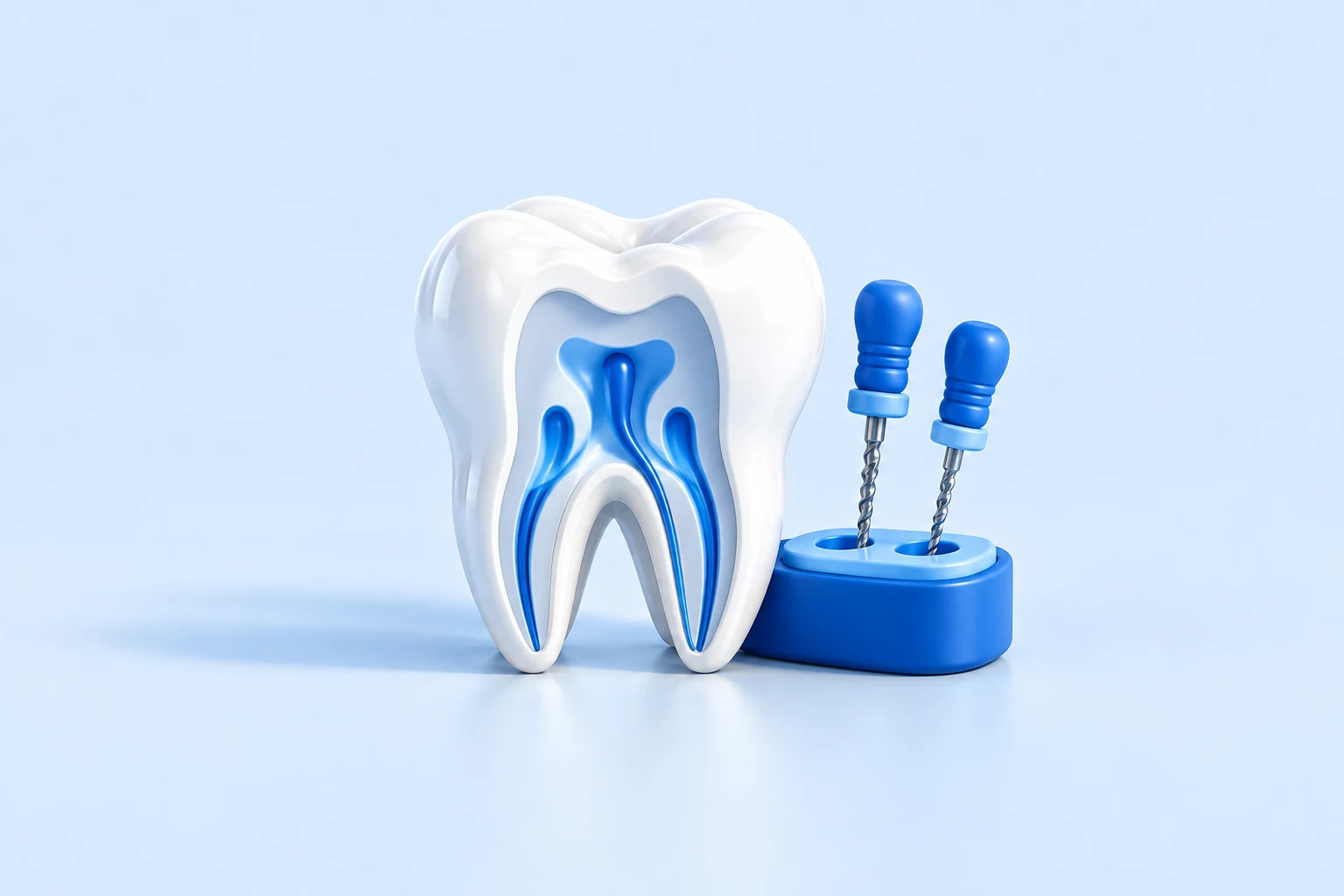
From pulpal diagnosis to treatment, retreatment and follow-up
From caries diagnosis to direct and indirect restorations
From periodontal diagnosis to treatment and maintenance
From communicating with children to prevention and primary tooth care
The app interface is available in your language. Lesson content may use another language; check the course in the app before purchasing.

Choose the version that works for your device.
Install the Android app directly.
Download Android APK ↓Add Dentigo to your Home Screen using Safari.
On mobile or desktop, without downloading.
Continue in your browser ↗You can start parts of the learning pathways for free. Pro access and separately purchased courses are identified in the catalogue.
Use your Dentigo account on Android, iPhone or in the browser.